The run
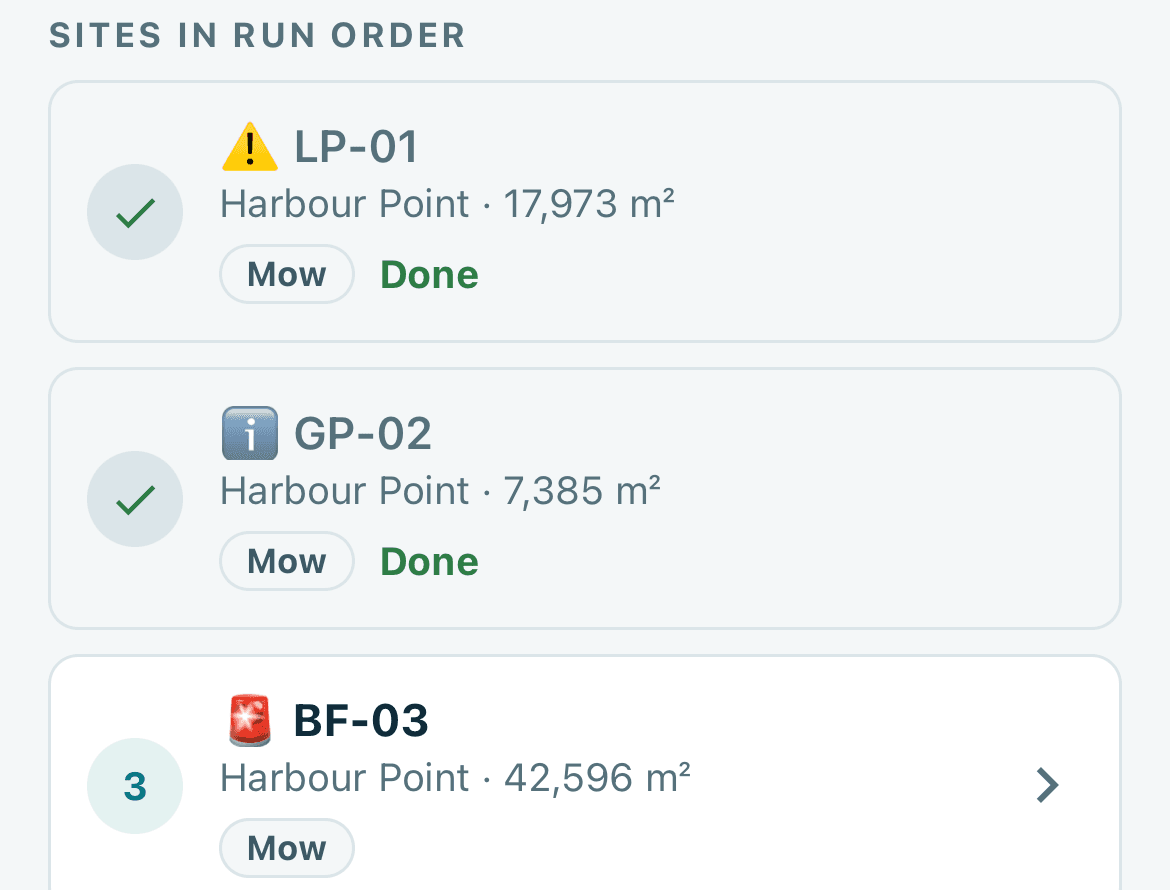
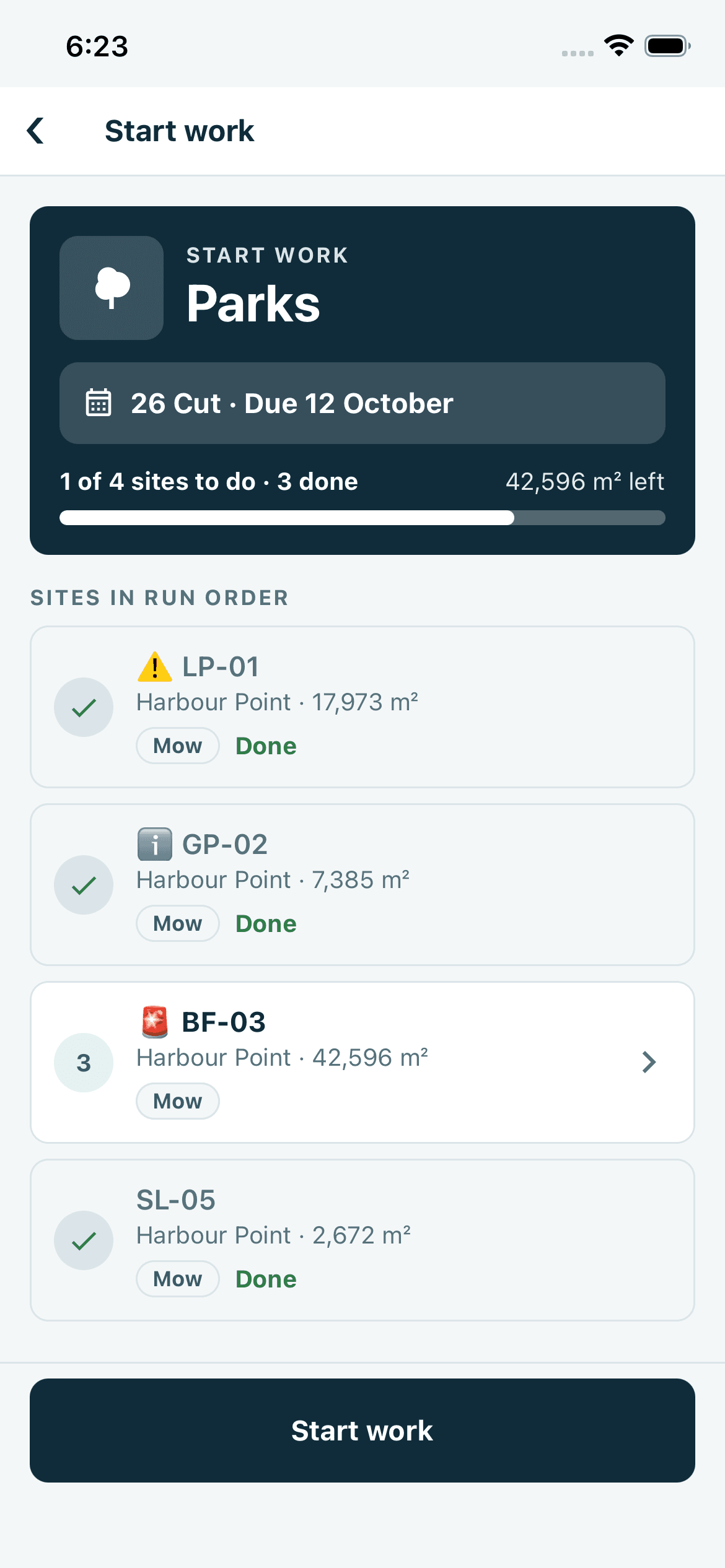
Today’s sites, in order.
The list follows the service order set in the office.
Platform Operator app
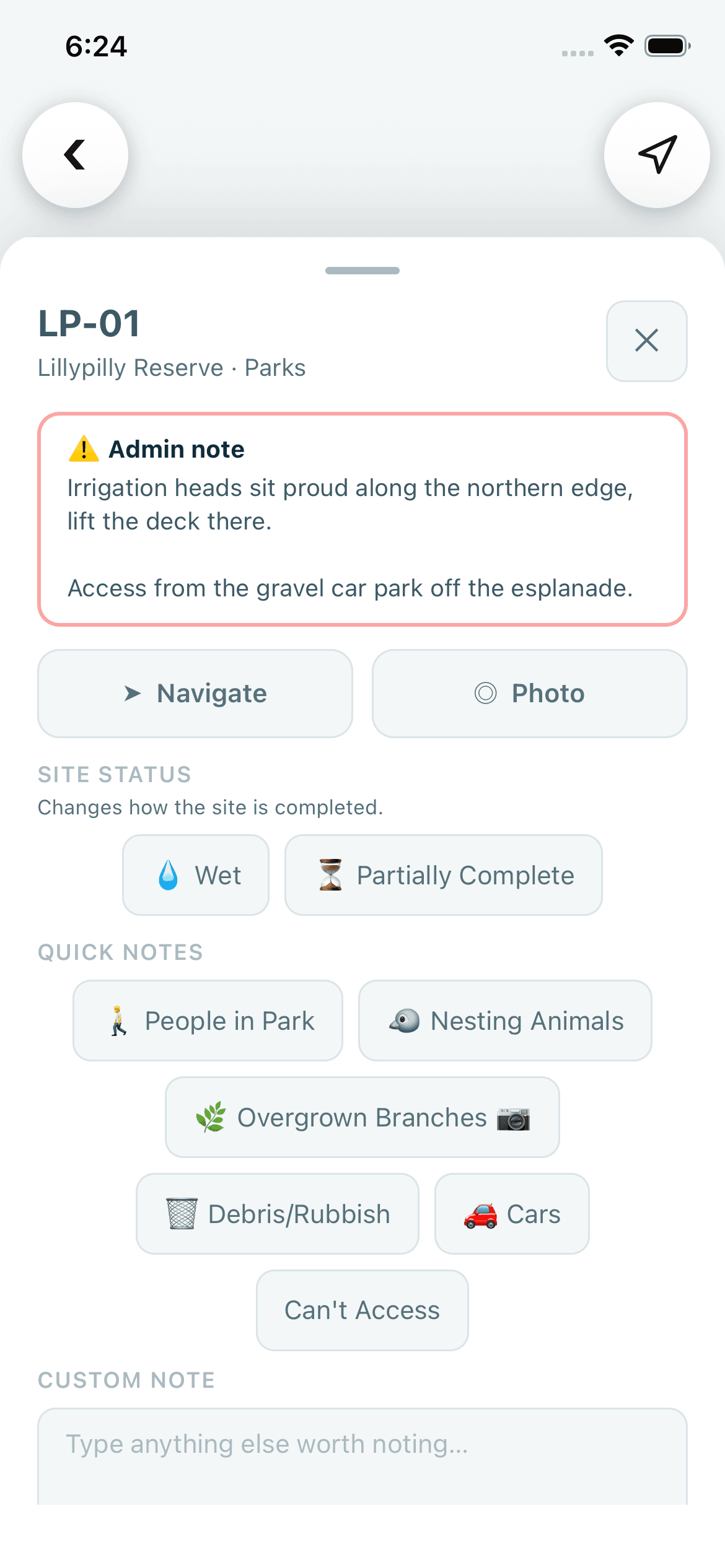
Each operator opens the app to their own work for the day, with the sites listed in the order the office set. They navigate to the site, read its notes and complete the job, with a photo where one is needed. Completions are saved on the phone when there is no signal.
What it does
The run
The list follows the service order set in the office.
Navigation
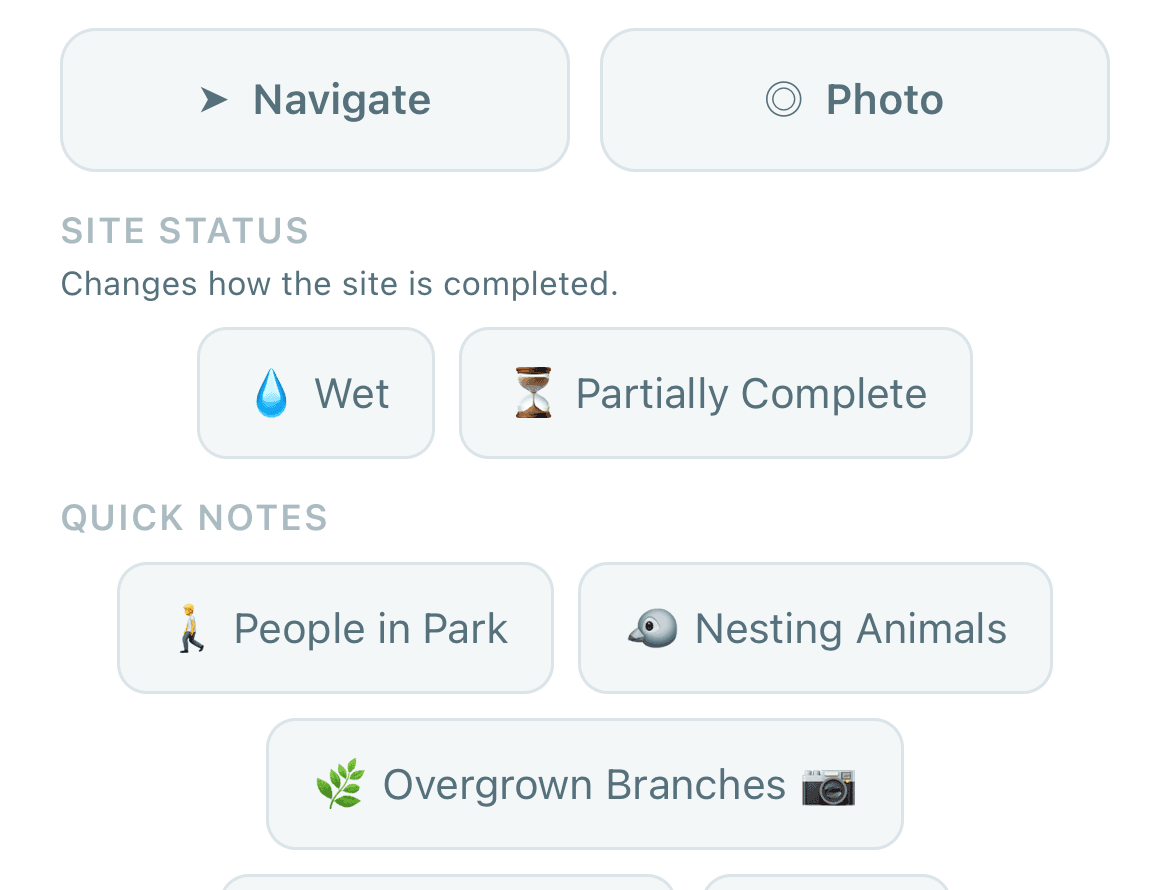
Turn-by-turn guidance without leaving the app. It goes to the site’s entry point where the office has set one, and otherwise to the site.
Completion
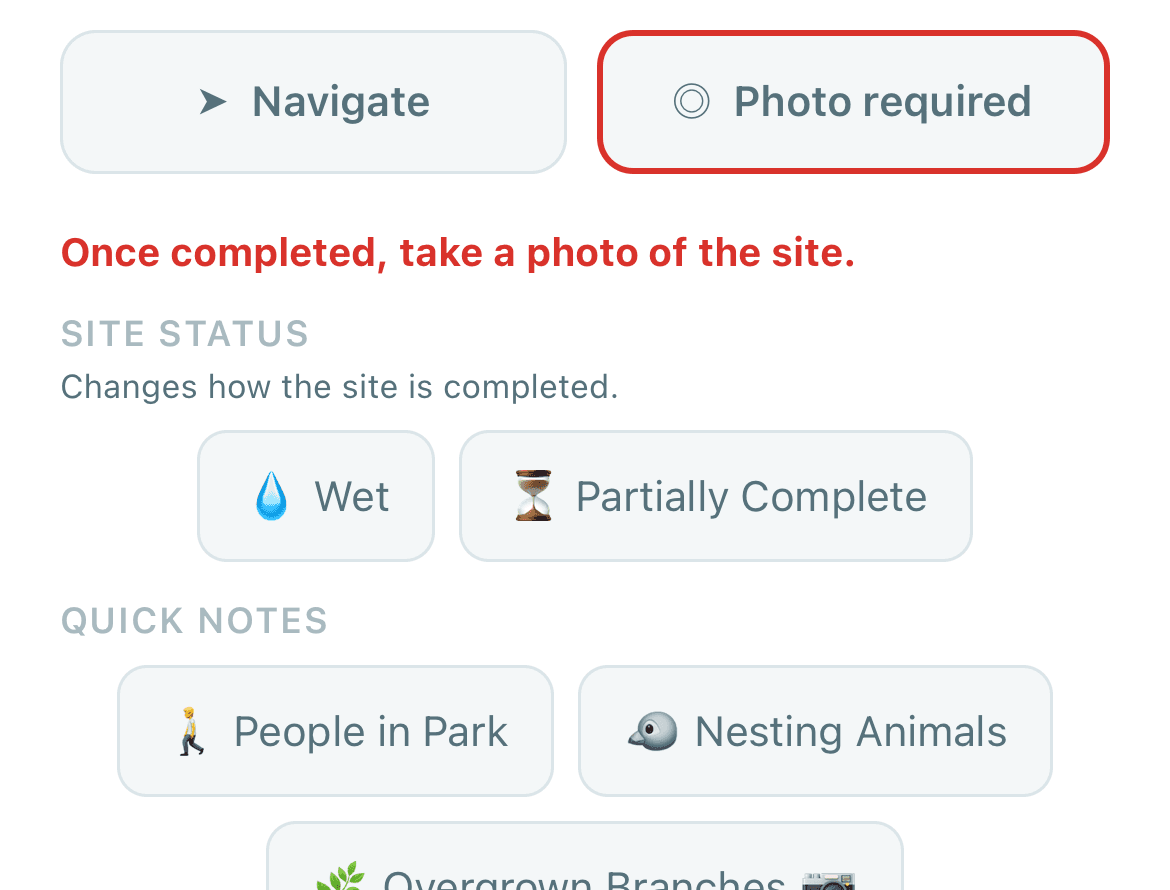
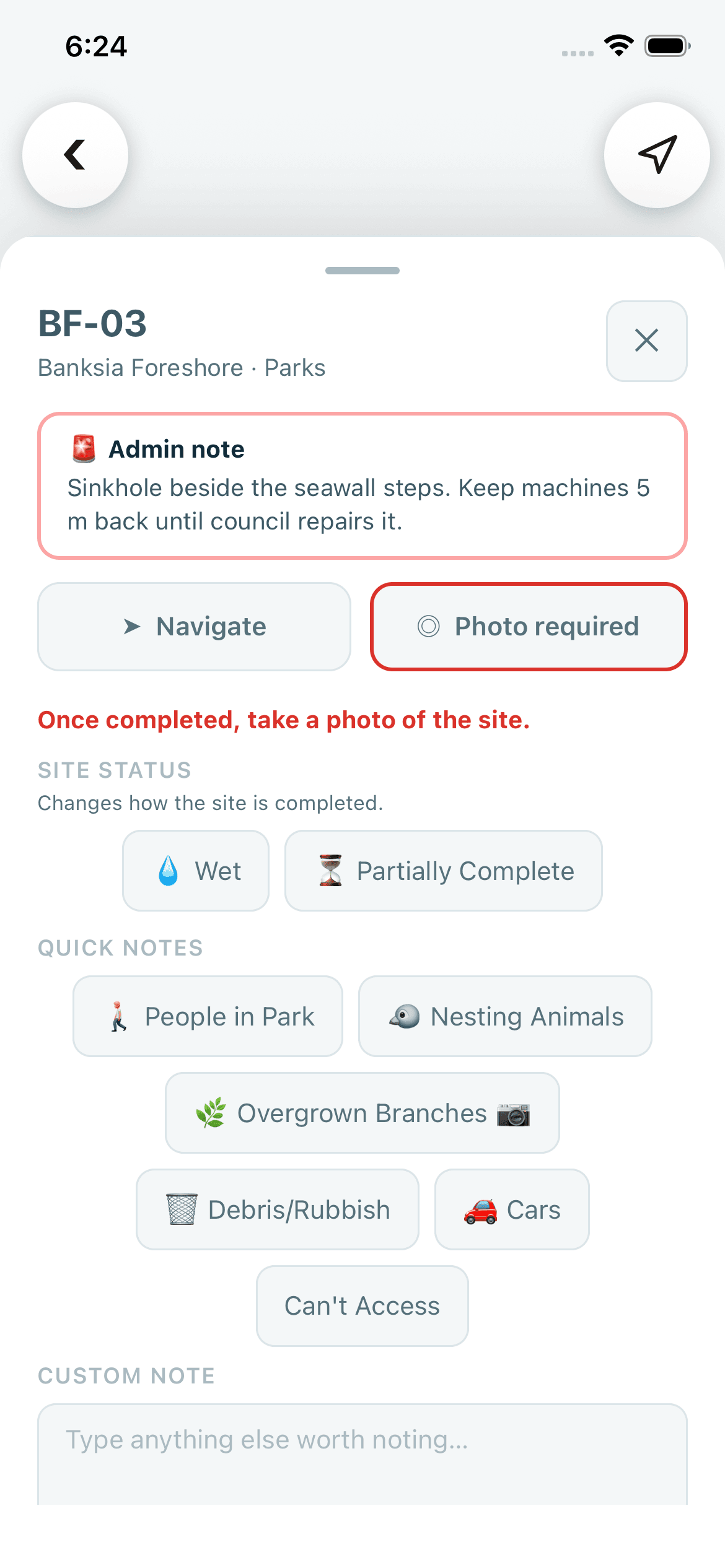
A photo can be attached to any job. A site with an active critical note cannot be completed without one while that setting is on.
Pictures are product screenshots from a demonstration organisation with synthetic data.
How it works
The home screen leads to the day’s sites, listed in run order.
Guidance runs in the app, to the entry point where the office has set one.
A site’s active notes are acknowledged before the job can be completed.
With no signal, the completion is saved on the phone and sent when signal returns.
In the product
Screenshots from a demonstration organisation holding synthetic data.
The job
A critical site
Who uses it
In the office
In the field
Works with
Your questions
Yes. The day’s run is kept on the phone, and completions and their photos are saved there and sent when signal returns.
The app is built for iPhone, on iOS 16 or later, and for Android phones, on Android 7 or later.
No. An operator cannot see another operator’s position or journey. Live positions are limited to owners, admins and managers, and journey history to owners and admins.
Yes. While the setting is on, a site with an active critical note cannot be completed without a photo.
The site’s active notes, critical first, which must be acknowledged, and any access notes for the site.
No. Turn-by-turn guidance runs inside the app. If guidance cannot start, the app says so and offers Try again.